





Custom Mobile App Development A Practical Guide from Idea to Launch

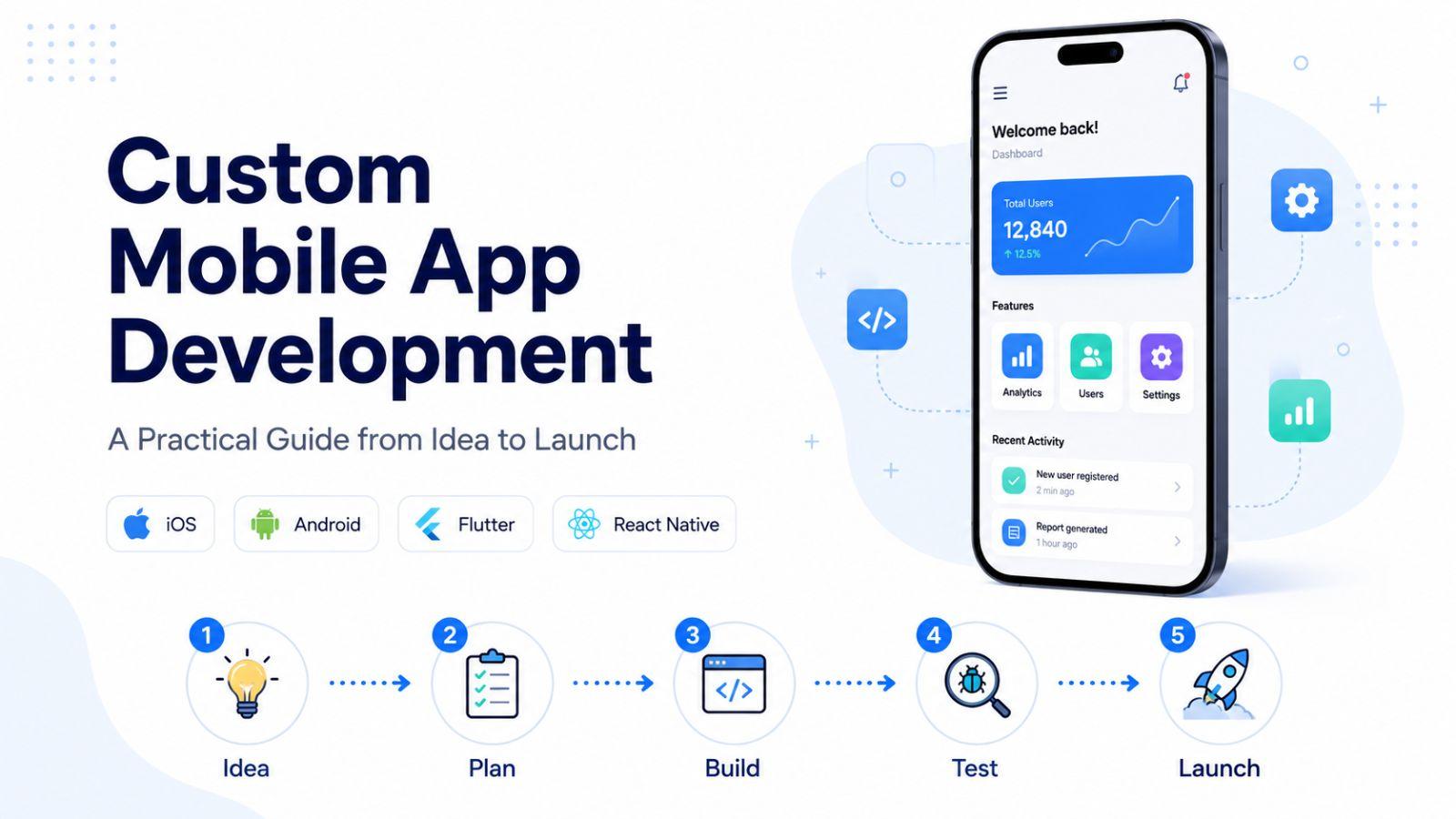
Explore custom mobile app development from idea to launch. Learn how to plan, design, build, test, and release high-quality apps for iOS and Android. Understand native, hybrid, and cross-platform development, popular frameworks, development costs, AI-powered features, and the key tools needed to create scalable mobile applications with confidence.
Ask most people where they spend their day on a phone, and the honest answer is inside a handful of apps. They open one to message a friend, another to order dinner, a third to check a balance, and a fourth to fill twenty idle minutes. Browsers still matter, but the center of gravity has shifted decisively toward apps. For any company that depends on customers, that shift is not a piece of trivia. It sets the terms of the fight for attention.
Custom mobile app development is how a business plants its flag in that space. In plain terms, it is the work of turning an idea into software that lives on a phone or tablet, tested until it holds up, shipped to the stores, and improved for as long as people keep using it. The rest of this guide walks through that work honestly: the stages that take an app from concept to a living product, the four ways apps get built, the frameworks behind them, what the whole effort tends to cost, how to pick the tools you build on, and the ways artificial intelligence is quietly changing the job.
How an app actually gets built
It helps to drop the idea that development marches neatly from step one to step six. In practice, teams loop back constantly. A round of user testing exposes a flaw, a rival ships a feature overnight, or a piece of research reshuffles the priorities, and the plan bends to absorb it. What follows is less a rigid checklist than the rhythm good teams settle into, disciplined at the core and loose enough to adapt.
Start with a problem worth solving
Every app that lasts can name the specific frustration it removes. Before anyone opens a design tool, it pays to interrogate the idea until it either holds up or falls apart.
The first question is the sharpest. What does this app let someone do that was slow, painful, or flatly impossible before? A fuzzy answer here is a warning sign that the concept needs more time. From there, get concrete about the person on the other end. Who are they, when do they reach for their phone, and where are they standing when they do? Demographics alone will not tell you much. What matters is behavior, the devices they favor, and the reason they would abandon a tool they already trust for yours.
Two more questions keep a project grounded. What is the smallest version worth shipping, the one that proves the core promise without every bell and whistle attached? And what already exists in the App Store and Google Play, where do those rivals stumble, and which platform makes sense to launch on first, given that iOS and Android draw different crowds and starting with one can stretch a budget further. None of this needs a finished product to answer. A rough prototype, a clickable mockup, or a single landing page can pull in real reactions long before serious money is on the line.
Turn the idea into a plan
An idea without a plan behind it drifts. Strategy is the scaffolding that decides what winning looks like and how you will pay for the climb.
Fix your definition of success before writing code, whether that means installs, weekly active users, thirty-day retention, or purchases inside the app. Those numbers become the tiebreaker for every argument that follows. Pin down a budget and a timeline you actually believe, since projects rarely blow up all at once. They creep, one small addition at a time, until the scope no longer resembles the original. Decide who builds it, weighing an internal team against an outside agency or a low-code platform, and be clear-eyed that each choice trades speed, cost, and control in different proportions. Sketch a roadmap of milestones so the designers, engineers, and stakeholders read from the same page and schedule risks surface early. And treat marketing as part of the build rather than a chore for launch week, because App Store Optimization, a social presence, and the timing of the release all shape whether anyone ever finds the thing you made.
Build the front and the back
Underneath every app sit two layers that have to cooperate. The front-end is the part people meet, the screens, the taps, the small animations that make it feel alive. The back-end is the machinery out of sight, holding the data, checking who is allowed in, running the rules of the business, and keeping the servers standing. Between them runs an API, the messenger that carries requests back and forth.
Picture opening a banking app to check a balance. The tap on the screen becomes a request that travels through the API to the back-end, which finds the number and hands it back to be displayed. Teams that would rather not babysit servers often lean on backend-as-a-service platforms or low-code builders, which quietly manage the database, the sign-in, and the scaling, so the people building can pour their attention into how the app feels instead of how it is hosted.
On the surface layer, design is not window dressing. It is the difference between an app someone opens again and one they delete after a rough first minute. A few habits separate the two. Give each screen room to breathe, since anything that does not serve the task at hand is just noise stealing attention. Lean on patterns people already know, so they are never forced to stop and puzzle out how to move around. Remember that most phones are held in one hand, which means the buttons that matter belong within a thumb's reach rather than marooned at the top of the screen. And design for the full range of users from the outset, with adjustable text, honest color contrast, and support for screen readers, all of which widen the audience and tend to make the app better for everyone who uses it.
Test as you go, not at the end
The cheapest bug to fix is the one caught the day it is written. The most expensive is the one discovered by a customer after launch. That gap is why testing belongs woven through every sprint rather than saved for a frantic week before release.
Several kinds of testing pull their weight. Functional checks confirm the plumbing works, that logins go through, payments settle, and searches return what they should. Performance checks push the app under strain, because an app that shrugs off ten users and buckles under ten thousand is a launch-day headline waiting to happen. Usability sessions put the product in front of real people and reveal the confusing labels and dead-end flows the team stopped noticing weeks ago. Security testing probes how data is stored, how sign-in is handled, and how the APIs behave, which matters most when personal, financial, or medical information is in play. And device testing spreads the app across a spread of screen sizes, operating system versions, and hardware, since the fact that it runs flawlessly on the developer's own phone proves almost nothing.
Ship it into the world
Getting an app to users usually means passing through the front door of an app store, and that door has its own etiquette.
Apple and Google each run their review processes with distinct rules, metadata demands, and timelines. Apple's review commonly lands within one to three days, while Google's often moves quicker, so leave that gap room in the launch calendar. Rather than flipping the switch for everyone at once, many teams release in stages, letting the app reach a small slice of users first so any nasty surprise stays contained. A soft launch stretches the idea further by opening the app to a single market or a closed group of testers, surfacing the messy real-world problems that no lab environment reproduces, all without staking the brand's reputation on an untested full release.
Watch, learn, and keep sharpening
The day an app goes live is the day the useful feedback finally starts. Nothing a focus group says carries the weight of what people actually do once the product is in their hands.
A handful of signals tell most of the story. The crash rate, tracked by device, flags the failures that send people to the uninstall button faster than almost anything else. Retention at day one, day seven, and day thirty reveals whether the app earned a place in someone's routine or got tried once and forgotten. Feature adoption shows which parts earn their keep, and when a marquee feature goes unused, the usual culprit is that people cannot find it or cannot figure it out, not that they do not want it. Store ratings and reviews read like an unfiltered product meeting, and the complaints that repeat are effectively a ranked to-do list. For anything built to sell, the conversion rate measures how well the app nudges people toward the purchase, the signup, or the booking. Read together over time, these numbers are what carry an app from merely launched to genuinely worth using.
Four ways to build an app
No single approach fits every project. The right one depends on how fast the app must feel, what it can spend, how soon it must ship, and what kind of experience it owes its users. Four broad options cover the field, each with its own bargain.
A native app is written for one platform alone, iOS or Android, in that platform's own languages and tools. Because it speaks directly to the operating system, it is the quickest and smoothest option going, which is why demanding categories like games, augmented reality, and real-time business tools tend to live here. It also reaches every part of the hardware, the camera, location, fingerprint and face sensors, Bluetooth, and it can hold data on the device for use offline. The price of all that polish is two codebases to build and maintain, plus the wait of app store review standing between a fix and the people who need it.
A web app skips the download entirely and runs inside the browser, with no store listing and nothing to install. Built from the ordinary materials of the web, HTML, CSS, and JavaScript, it opens on nearly any device with a browser and updates the instant new code goes live. That reach is its great strength. Its ceiling is hardware access, since a traditional web app cannot tap the camera, precise location, or local storage the way a native one can, which becomes a real limit for anything ambitious.
A hybrid app tries to have it both ways, wrapping web code inside a native shell that installs on iOS and Android. One shared codebase serves both platforms, which trims cost and upkeep, while plugins act as bridges that let the web layer reach hardware like the camera, location, and notifications. The payoff is honest cross-platform reach, with a single body of code deployable to iOS, Android, and the browser alike.
A progressive web app, or PWA, is a web app dressed in native manners. Modern browser features give it offline access, push notifications, and the ability to sit on a home screen, all without ever passing through an app store. It lives at a web address, installs straight from the browser, and refreshes the moment it changes, exactly like a website. What it gives up is depth of hardware access, so an app leaning hard on sensors or heavy background work is usually better off native or hybrid.
The frameworks teams build on
A framework decides the language you write in, the tools you work with, and much of how the finished app performs. The sensible pick falls out of three things: the kind of app, the skills already on the team, and the platforms in the crosshairs.
For native iOS, Swift and its interface layer SwiftUI are the default, the choice when an app needs raw speed and a deep hook into Apple's ecosystem. Native Android has its mirror image in Kotlin paired with Jetpack Compose, which delivers the same combination of performance and close integration on Google's side.
The cross-platform camp offers three well-worn roads. React Native, written in JavaScript and TypeScript, is a natural home for teams already fluent in JavaScript who want a single effort to reach both iOS and Android. Flutter, powered by Google's Dart language, aims for interfaces that look identical everywhere while keeping performance close to native. Xamarin and its successor .NET MAUI, both built on C#, are the obvious pick for shops already living in the Microsoft world and building cross-platform apps for the enterprise.
What it costs, and why the number moves
Quotes for app development scatter across a wide range, and understanding what drives that spread is more useful than any single figure.
Complexity does the heaviest lifting. A modest app of a few static screens sits near the bottom, while live data, outside integrations, custom motion, and AI features drag the total upward in a hurry. How you staff the work bends the cost too, since an internal team shows up as steady salaries, an agency as project invoices, and low-code or no-code platforms as a genuine discount for apps that fit inside their guardrails. Scope across platforms adds its own weight, because building native for both iOS and Android at once roughly doubles the effort, and while cross-platform frameworks ease that burden, they do not erase it. Design ambition matters as well, as bespoke components, animation, and thorough accessibility all cost more than leaning on the standard building blocks. And then there is the part that never ends. Building the app is a one-time expense, but keeping it alive is not, so a realistic budget sets aside money for operating system updates, security patches, server bills, and the steady drip of new features across the app's whole life.
Choosing the tools underneath
The platform you build on shapes far more than how quickly the first version ships. It quietly governs security, how well the app grows, and what it costs to keep running for years. A few questions separate a wise choice from a regret.
Begin with what it connects to. Can the platform talk to the databases, the CRM, the ERP, and the outside services the app leans on, because every missing connection tends to reappear later as expensive custom work. Look next at security and the certifications your field demands, whether SOC 2, HIPAA, or GDPR, along with real encryption for data both stored and in transit. Press on scale with a skeptical eye, since a platform that glides with a thousand users may groan under a hundred thousand, and you want to understand how both the infrastructure and the bill respond to growth before you find out the hard way.
Community counts for more than it seems. Thorough documentation, an active base of developers, and a deep shelf of ready-made components spare a team from re-solving problems the rest of the world already cracked. Be honest, too, about where no-code, low-code, and the newer conversational coding tools fit. They can compress a schedule dramatically, but they shine on apps that do not demand highly custom behavior, so the trick is knowing in advance which corners will need hand-written code and which will not. Finally, weigh the quality of support before you sign rather than after, because the moment something breaks in production, the speed of a helpful reply is what stands between an incident and a disaster.
Where AI enters the picture
Artificial intelligence is reshaping app development from two directions at once, changing both how apps get made and what they are able to do once they exist.
Inside the workshop, a new class of coding assistants now finishes lines as engineers type, spins up the routine scaffolding, proposes fixes, and points out security holes as the code is written. Teams that adopt them tend to report real time saved on the repetitive stretches, which leaves engineers free to spend their judgment on the problems that still need a human.
Inside the app itself, AI has opened doors that were closed only a few years back. Conversational features such as built-in assistants and chatbots understand plain language and hand users a shortcut around tangled menus. Predictive personalization studies what people do and quietly surfaces the content, products, or suggestions most likely to land, lifting engagement without anyone hand-curating a thing. Vision and voice add another dimension, letting a camera recognize a product or a document and letting voice commands drive the app hands-free, which is a gift for fieldwork and for accessibility alike. And on the making side again, generated code, automatic test writing, and AI-assisted review of the user experience all shrink timelines while catching trouble sooner.
Building on ground that holds
Every app that ever ships starts from the same three questions. What are we building, who is it for, and how do we build it without stretching the team or the budget past its breaking point. A clear-eyed development process is what lets a team answer those questions on purpose rather than by accident, carrying an idea all the way from a first sketch to a product people actually keep open.
For organizations trying to move quickly without cutting corners, choosing an enterprise-grade foundation takes the hardest infrastructure headaches off the table, so the people building can spend their energy on the experience instead of the plumbing beneath it.
Frequently asked questions
What is mobile app development?
It is the full process of planning, designing, building, testing, and releasing software for phones and tablets, then maintaining it once it is live. The work covers the visible interface, the back-end that powers it, the APIs that link the two, quality assurance, and ongoing upkeep, and it can target iOS, Android, or both together.
What are the main types of mobile apps?
Four dominate. Native apps are built for a single platform, web apps run in the browser, hybrid apps place web code inside a native shell, and progressive web apps deliver a near-native feel without ever touching an app store.
How much does mobile app development cost?
There is no single answer, because the total rides on complexity, how the work is staffed, how many platforms are in scope, how ambitious the design is, and how much maintenance the app will need. Simple apps land at the low end, while live data, integrations, and AI push the figure well above it.
How long does mobile app development take?
It depends on scope. A lean, focused app can reach the store in a few months, while a rich product with custom design, many integrations, and full support across platforms takes considerably longer, and building native for iOS and Android at the same time lengthens the road further.
What programming languages are used for mobile app development?
Native iOS work leans on Swift, and native Android on Kotlin. On the cross-platform side, React Native uses JavaScript and TypeScript, Flutter uses Dart, and Xamarin along with .NET MAUI use C#.
What is the difference between native and hybrid mobile apps?
A native app is built for one platform and delivers the best speed and the fullest access to hardware, at the cost of maintaining a separate codebase for each system. A hybrid app runs web code inside a native container, sharing one codebase across platforms and reaching hardware through plugin bridges, which lowers cost and upkeep in exchange for some performance.

Ready to build your next digital product?
Talk to Zygobit about web apps, mobile apps, AI solutions, automation, and scalable software development tailored to your business goals.
Explore Related Articles
More reading on web, mobile, AI, and product engineering from the Zygobit team.
4 Essential Custom Mobile App Development Services for Startups
Explore the essential custom mobile app development services every startup needs to build, launch, and scale a successful product. This guide covers strategy, UI/UX design, app development, testing, release, maintenance, security, scalability, and long-term support. Learn how the right development partner can help reduce technical risks, improve user experience, validate your MVP, and create a mobile app ready for sustainable business growth now
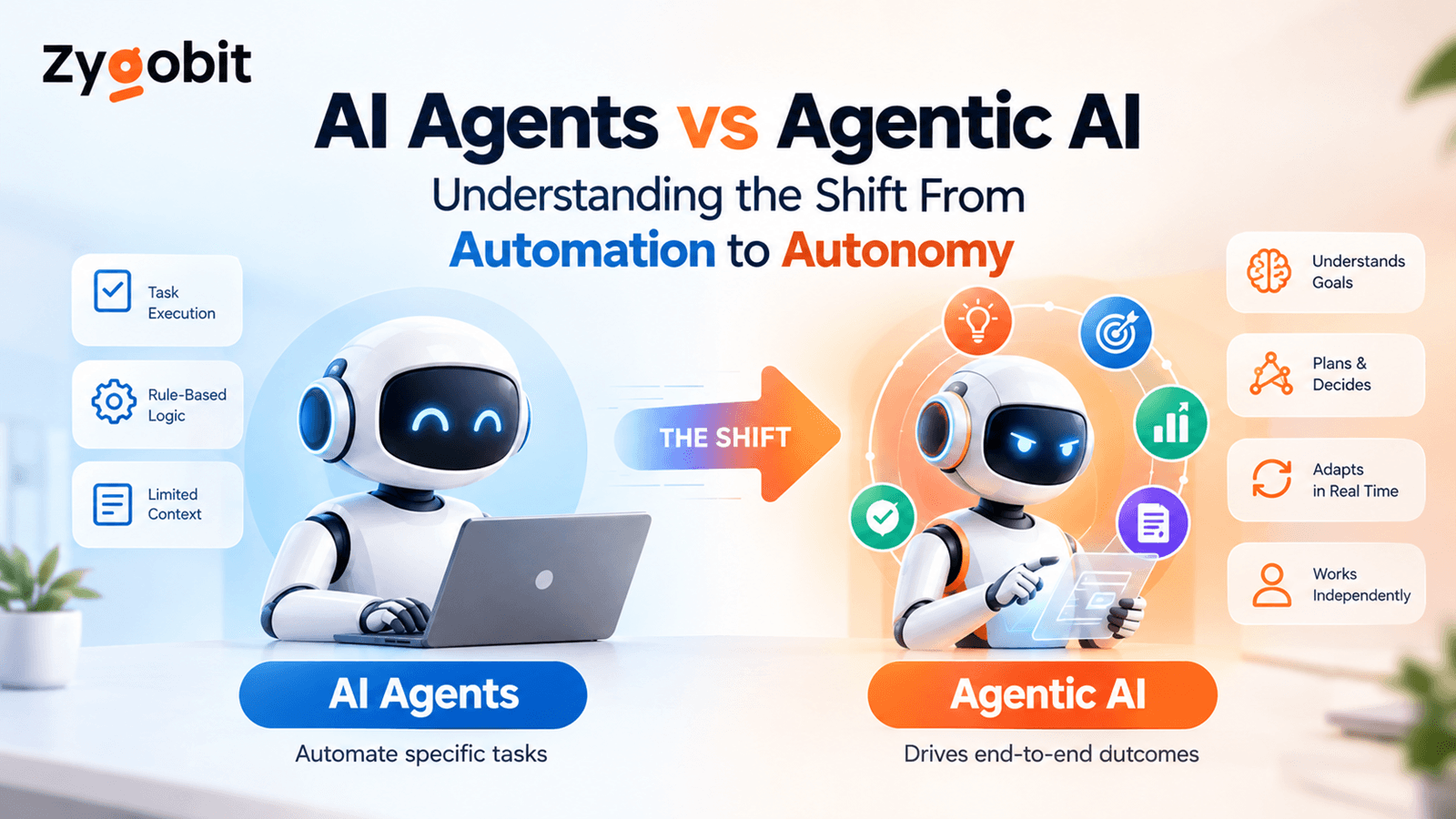
AI Agents vs Agentic AI Understanding the Shift From Automation to Autonomy
AI agents are changing business automation by moving beyond simple responses to intelligent action. This article explains the difference between AI agents and agentic AI, including planning, tool use, workflow orchestration, state management, human approvals, security, observability, and enterprise use cases.

Data Center Infrastructure Management Software Development Process, Architecture, Features and Cost
Explore how Data Center Infrastructure Management software helps organizations monitor assets, power, cooling, capacity, and real-time infrastructure data. This guide covers DCIM software development, system architecture, key features, AI capabilities, security, integrations, implementation process, cost considerations, and future trends shaping modern data center operations.