





What Is CRM Software and How Does It Work? A Complete 2026 Guide for Businesses

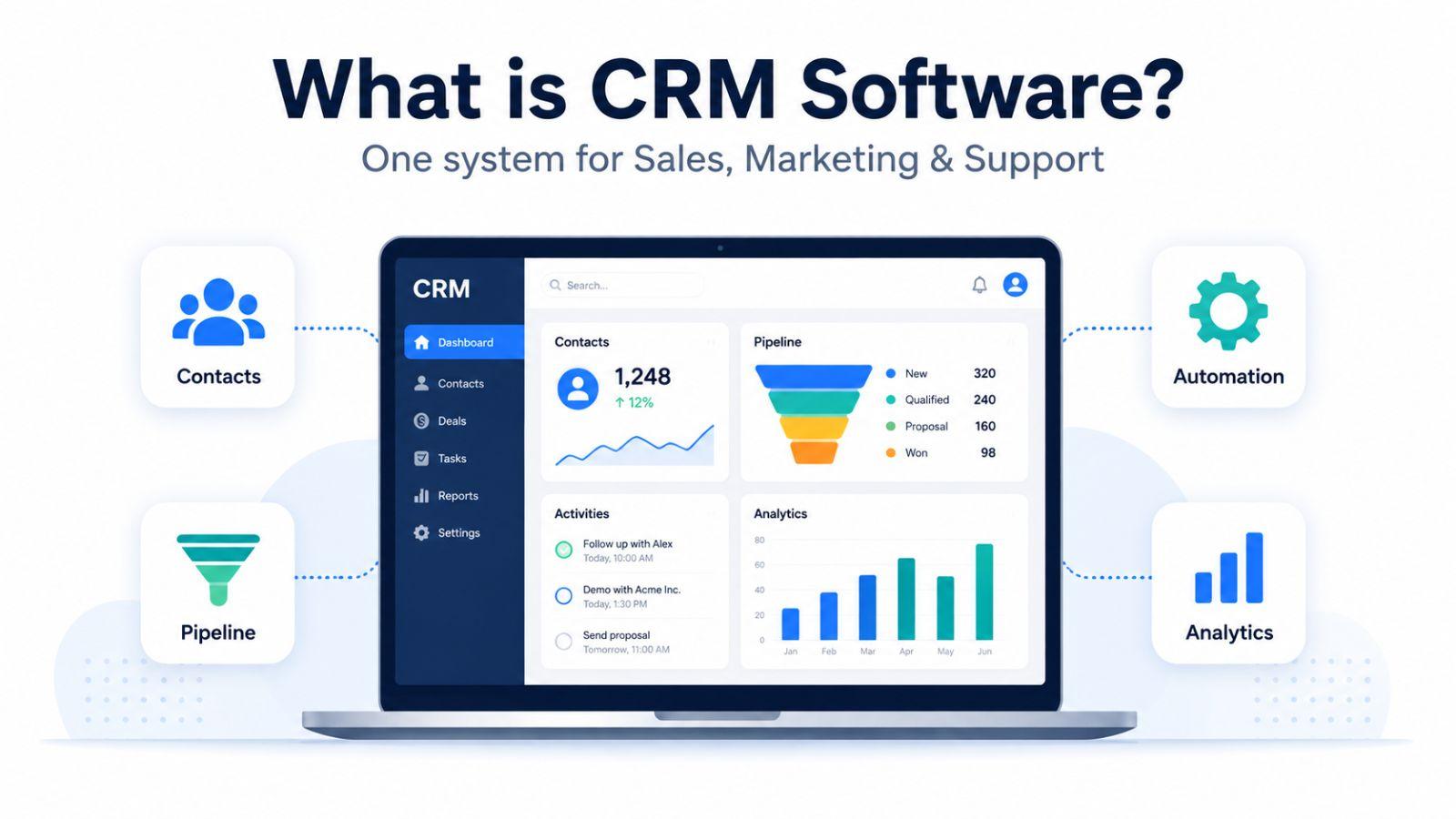
CRM software helps businesses manage customer relationships, automate sales, marketing, and support, and centralize customer data in one platform. This guide explains how CRM works, its key features, benefits, AI-powered capabilities, development costs, and how to choose the right CRM solution for your business in 2026.
Customer relationships used to live in a salesperson's head, a spreadsheet, and a stack of business cards. That model breaks the moment a business starts to grow. Today customers reach out through websites, mobile apps, social media, email, live chat, and support desks — often several of these in a single buying journey. Track all of that manually and things slip: leads go cold, follow-ups get missed, and the customer feels like they're starting over every time they talk to you.
Customer Relationship Management (CRM) software exists to close that gap. It gives every customer-facing team a single, shared, real-time view of who your customers are and what they need. And it's no longer a nice-to-have: roughly 91% of companies with 10 or more employees now use a CRM, and the global CRM market is projected to reach about $126 billion in 2026 on its way past $320 billion by 2034. CRM has quietly become one of the most widely adopted business technologies on the planet.
This guide explains what CRM software is, how it actually works, the main types and features, the real benefits (backed by current data), what modern AI is changing, what custom development costs in 2026, and how to choose the right solution for your business.
What Is CRM Software?
CRM stands for Customer Relationship Management. CRM software is a technology platform that helps businesses organize, track, and analyze every interaction with customers and prospects across the entire customer lifecycle from first touch to repeat purchase and support.
In practice, CRM software is used to store customer and company records, log every conversation and email, manage lead and sales pipelines, automate follow-ups, and surface insights about customer behavior. Instead of information sitting in silos, a CRM makes accurate, up-to-date customer data available to sales, marketing, and support at the same time.
The payoff is straightforward: teams can personalize communication, respond faster, close deals more efficiently, and deliver better after-sales service because everyone is working from the same source of truth.
How CRM Software Works
At its core, a CRM works by capturing customer data at every touchpoint and consolidating it into one central database. That data typically includes contact details, interaction and communication history, past transactions, preferences, and feedback.
Once the data lives in one place, the CRM turns it into something useful. Dashboards, reports, and automated workflows help teams organize and act on the information:
Sales teams track leads and opportunities as they move through the pipeline.
Marketing teams segment audiences and run targeted campaigns.
Support teams resolve issues faster because they can see the customer's full history.
Modern CRMs also connect to the rest of your tech stack email platforms, accounting tools, ERP systems, marketing software, and mobile apps. These integrations keep data flowing automatically between systems, which reduces double entry, improves collaboration, and leads to better-informed decisions.
The Main Types of CRM Software
CRM software isn't one-size-fits-all. Different types are built to solve different problems, and many platforms blend several approaches.
Operational CRM
Operational CRM automates and streamlines the day-to-day work of sales, marketing, and customer support. It's about running your customer-facing operations more efficiently.
Typical capabilities include sales-force automation for managing leads, deals, and pipelines; marketing automation for email campaigns and lead nurturing; and service automation for ticketing and case management. Operational CRM is the best fit for businesses that want to cut manual work, speed up response times, and get more consistent customer interactions.
Analytical CRM
Analytical CRM focuses on turning customer data into actionable insight. It helps you understand behavior, preferences, and buying patterns so you can make smarter decisions.
It typically offers customer segmentation and data analysis, sales forecasting and trend analysis, performance dashboards and reports, and data-driven decision support. This type is especially valuable for organizations focused on strategic planning, performance optimization, and long-term growth.
Collaborative CRM
Collaborative CRM is built around sharing information across teams and with external partners so everyone delivers a consistent experience.
Core features include shared data across sales, marketing, and support; omnichannel communication management; smoother coordination with partners and suppliers; and a single, unified history of every customer interaction. It's the right choice for businesses that compete on customer experience and cross-functional teamwork.
Industry-Specific CRM
Some CRMs are tailored to the requirements of a particular sector healthcare, real estate, finance, manufacturing, or e-commerce.
These solutions bring purpose-built workflows, built-in regulatory compliance, specialized reporting and data fields, and native integrations with industry tools. For businesses with specialized operations, an industry-specific CRM often delivers a faster, higher ROI than a generic one.
Key CRM Features Every Business Should Know
Feature sets vary by platform, but the following capabilities form the backbone of nearly every effective CRM.
Contact management stores customer profiles, communication records, and preferences so any team member has full context when they need it.
Lead management captures, tracks, and organizes leads so sales reps can prioritize the best prospects and improve conversion rates.
Opportunity management tracks deals through each stage, improving forecasting, follow-ups, and win rates.
Sales pipeline visualization gives a clear visual view of deals, revenue stages, and bottlenecks. Beyond tracking, modern platforms streamline day-to-day selling with intelligent lead routing, workflow automation, and automated lead assignment reducing manual effort and making sure every opportunity reaches the right rep at the right time.
Task and workflow automation handles repetitive actions like follow-ups, reminders, and assignments, freeing teams to focus on higher-value work.
Email integration links messages to customer profiles, making it easy to track conversations across sales and support.
Reporting and analytics produce real-time dashboards that reveal sales performance, customer behavior, and business trends.
Role-based access control restricts data by user role, strengthening security and ensuring people only see what's relevant to them.
Third-party integrations connect the CRM to ERP, marketing, accounting, and other platforms for seamless data flow.
Mobile CRM access lets teams update records and manage customers from a phone or tablet, wherever they are.
Real-time notifications push instant alerts about lead updates, task deadlines, and customer messages so nothing falls through the cracks.
Customization and scalability let the CRM adapt as your processes and headcount grow, protecting your investment over time.
The Benefits of CRM Software (Backed by Data)
The value of a CRM goes far beyond storing contact details. The most current industry data shows just how significant the impact can be when a CRM is adopted well.
Stronger customer relationships come first. With a complete customer history in front of them, teams can personalize every interaction and respond in time to matter. That translates to loyalty CRM users report around a 27% improvement in customer retention.
Sales performance climbs. Businesses see meaningful lifts after adopting a CRM: Salesforce data points to a 29% average increase in sales revenue, alongside gains in sales productivity of up to 34% and forecast accuracy of up to 42%. Automating repetitive work and reducing manual errors lets reps spend more time actually selling.
Marketing gets sharper. Better segmentation and campaign tracking mean higher-quality targeting and clearer attribution of what's working.
The financial return is hard to ignore. CRM consistently ranks among the highest-ROI software categories, with estimates ranging from about $3 to over $8 returned for every $1 invested, depending heavily on adoption and data quality.
That last caveat matters. Roughly 55% of CRM implementations fail to meet their objectives usually because of poor user adoption and messy data, not the software itself. A CRM only delivers if your team actually uses it and the data stays clean, which is why implementation and training are as important as the platform you pick.
How Workflow Automation Improves Efficiency
Workflow automation is one of the most powerful reasons to adopt a CRM. Routine tasks lead assignment, follow-up emails, reminders, status updates can run automatically instead of eating up your team's time.
Here's a typical example: a new lead enters the system, the CRM instantly assigns it to the right rep based on rules you set, sends a personalized welcome email, and schedules a follow-up task. No human touches it, and no opportunity gets lost.
The compounding effect is real. Automation improves consistency, shortens response times, and lifts the overall customer experience while giving your team back hours every week.
CRM and AI: What's Changing in 2026
AI has moved from a buzzword to the defining force in CRM. Today's platforms use AI to analyze huge volumes of data, predict customer behavior, recommend the next best action, and surface high-value leads automatically. Adoption is already mainstream, with around 83% of companies now using AI features in their CRM.
Several shifts are reshaping the category right now:
Agentic AI is the headline trend of 2026. Rather than waiting for a prompt, agentic systems watch for signals of a stalled deal, an unanswered quote, a churn-risk pattern and take action within the limits you define. Gartner expects the use of task-specific AI agents in business applications to expand sharply through the end of 2026.
Autonomous customer service is scaling. AI chatbots and virtual agents now handle a large share of routine support inquiries around the clock. Gartner projects that agentic AI will autonomously resolve about 80% of common customer service issues by 2029, cutting operational costs by roughly 30%.
Predictive analytics is becoming standard. CRMs increasingly forecast deal success, churn risk, and future demand from historical data, letting teams plan proactively instead of reacting after the fact.
These capabilities are converging. Agentic execution, predictive intelligence, real-time assistance, and analytics are being deployed as interconnected layers rather than isolated features turning the CRM from a record-keeping tool into an active participant in the customer relationship.
Best CRM Software for Businesses in 2026
Choosing the right platform comes down to your business size, budget, required integrations, and how your team actually sells. These are among the most widely used and highly rated CRMs in 2026.
Salesforce remains the most powerful enterprise CRM, with near-unlimited customization, deep analytics, and a mature AI layer. It excels at complex, large-scale operations though it's often overkill until you have a dedicated admin and a sizable sales team to justify the cost and complexity.
HubSpot is the clear winner for most small and mid-sized businesses. Its genuinely useful free tier includes unlimited contacts, deal-pipeline management, and email tracking, and it scales into strong sales, marketing, and service tools with an easy learning curve.
Zoho CRM delivers the most features per dollar. With a free plan for small teams and paid tiers starting around $14/user, it packs in automation, analytics, and AI-driven insights at a fraction of what competitors charge, ideal for budget-conscious SMBs.
Microsoft Dynamics 365 integrates seamlessly with Microsoft 365, Teams, and the broader Microsoft ecosystem. It's a strong unified platform for organizations that want to manage sales, service, marketing, and reporting alongside the productivity tools they already use.
Pipedrive is the cleanest execution for purely sales-focused teams. Its pipeline-first, visual interface is designed for reps who don't want to fight their CRM, requiring minimal training to get value.
What Is CRM Development? Implementation and Process
Off-the-shelf CRMs work well for many businesses, but organizations with specialized workflows often need a custom solution. CRM development and implementation is the end-to-end lifecycle of building, deploying, and optimizing a CRM tailored to specific business needs aligned to your goals, efficient, and scalable as you grow.
CRM development starts by understanding business objectives, processes, and functional requirements, then designing a secure, user-friendly system that integrates with your existing tools. It typically includes:
Business process evaluation and requirement analysis
UI/UX design focused on usability and adoption
Secure front-end and back-end development
Integration with ERP, marketing, and third-party systems
Testing, deployment, and ongoing maintenance
CRM implementation is about rolling the system into your existing infrastructure with minimal disruption. Done right, it drives higher adoption and a better return. It generally covers:
CRM configuration and workflow customization
Secure data migration from legacy systems
Integration with current business tools
User training, performance testing, and onboarding
The development process itself follows a structured path to deliver a stable, future-proof system: requirement gathering and planning, architecture and design, development, integration and QA, deployment, and post-launch support with continuous optimization.
How to Choose the Right CRM Development Partner
Zygobit builds scalable, secure, and fully customized CRM solutions for businesses across industries. We focus on business alignment first designing CRM systems around your actual workflows and growth objectives rather than forcing your operations to fit generic software.
What sets Zygobit apart:
End-to-end CRM consulting, development, implementation, and support
Experienced CRM developers with domain-specific expertise
Custom solutions integrated with ERP, AI, and mobile platforms
An agile approach that delivers faster and adapts as requirements evolve
Enterprise-grade security, data protection, and compliance
Transparent pricing with dedicated post-launch support
Partnering with Zygobit gives you a future-proof CRM designed to strengthen customer relationships, improve operational efficiency, and support long-term growth.
Conclusion: Is CRM Software Worth It?
CRM software has crossed the line from luxury to necessity. With adoption near-universal among established companies and the market growing double digits every year, the question is no longer whether to use a CRM but how to use one well. The data is clear: businesses that adopt a CRM and drive real usage see stronger relationships, higher sales, and smarter decisions while those that skimp on adoption and data quality leave most of that value on the table.
Whether you choose an off-the-shelf platform or invest in custom development, the right CRM backed by thoughtful implementation can transform how you operate and how your customers experience your business. It's not a cost. It's a strategic, long-term investment in growth.
Frequently Asked Questions
1. What is CRM software, and why do businesses need it?
CRM (Customer Relationship Management) software manages customer data, sales, marketing, and support interactions on a single platform. Businesses need it to strengthen customer relationships, boost productivity and retention, and operate more efficiently as they scale.
2. How does CRM software work in a business environment?
A CRM captures customer data across every touchpoint and consolidates it into one central database. It then organizes that data through dashboards, reports, and automated workflows so sales, marketing, and support teams can track leads, run campaigns, and resolve issues from a shared, real-time view.
3. What are the main types of CRM software?
The four main types are operational (automating sales, marketing, and support), analytical (turning data into insight), collaborative (sharing data across teams and partners), and industry-specific (tailored to sectors like healthcare, finance, or real estate).
4. What features should a good CRM include?
Look for contact and lead management, opportunity tracking, sales pipeline visualization, workflow automation, reporting and analytics, email integration, mobile access, role-based security, third-party integrations, and the ability to customize and scale.
5. How much does custom CRM software development cost?
In 2026, custom CRM development typically ranges from about $30,000 for a basic system to $200,000+ for an enterprise solution with AI and advanced integrations. Cost depends on feature complexity, integrations, AI capabilities, mobile support, and security requirements, with annual maintenance usually running 15–25% of the build cost.
6. How do I choose the right CRM development company?
Evaluate industry experience, portfolio strength, client reviews, technology stack, security practices, and pricing flexibility. The best partner delivers on time, maintains strong quality control, handles integrations smoothly, and builds a system that scales with your business.

Ready to build the site your business actually needs?
Talk to Zygobit about custom website and web application development, from discovery through launch and the months after.
Explore Related Articles
More reading on web, mobile, AI, and product engineering from the Zygobit team.
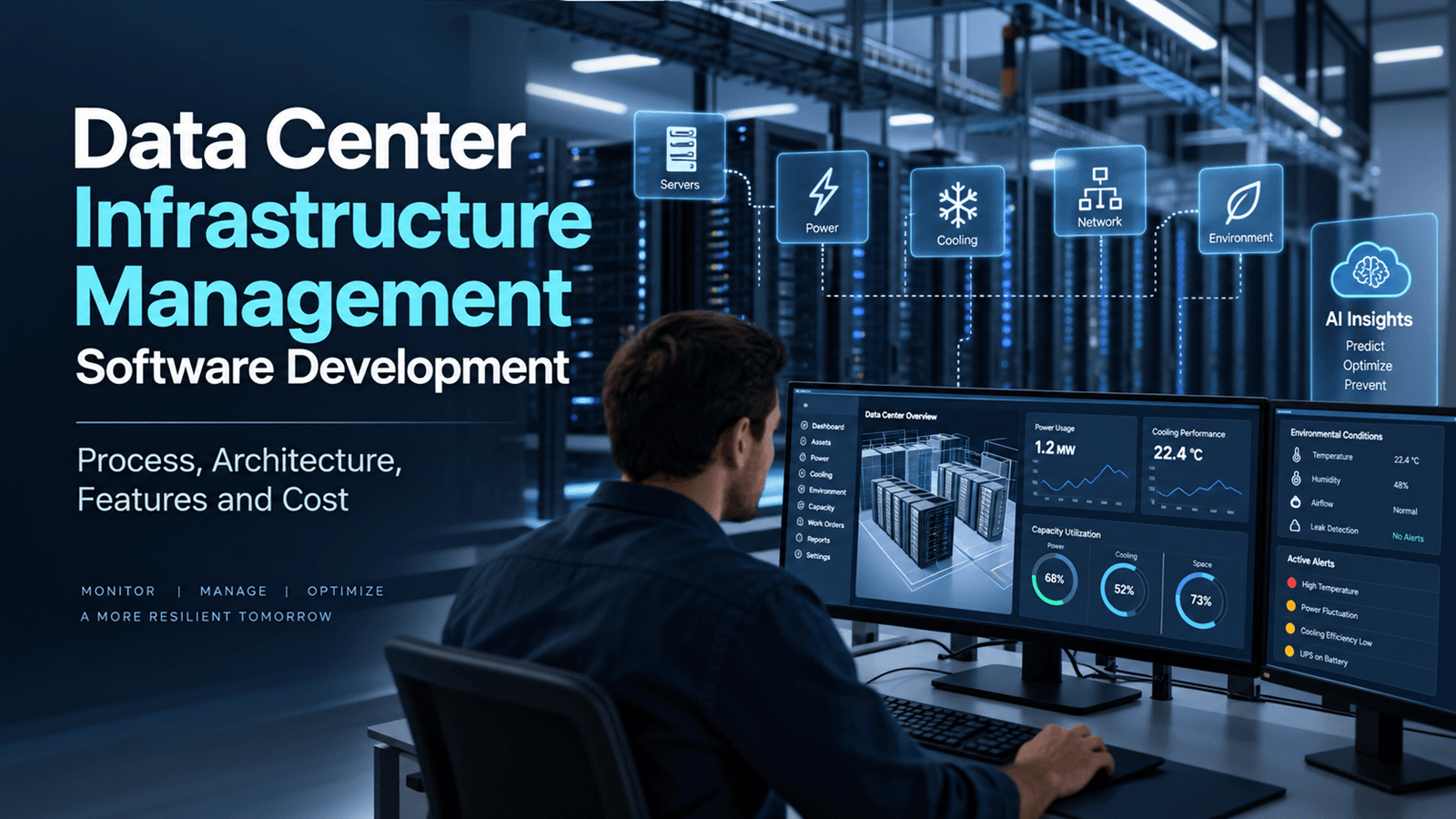
Data Center Infrastructure Management Software Development Process, Architecture, Features and Cost
Explore how Data Center Infrastructure Management software helps organizations monitor assets, power, cooling, capacity, and real-time infrastructure data. This guide covers DCIM software development, system architecture, key features, AI capabilities, security, integrations, implementation process, cost considerations, and future trends shaping modern data center operations.
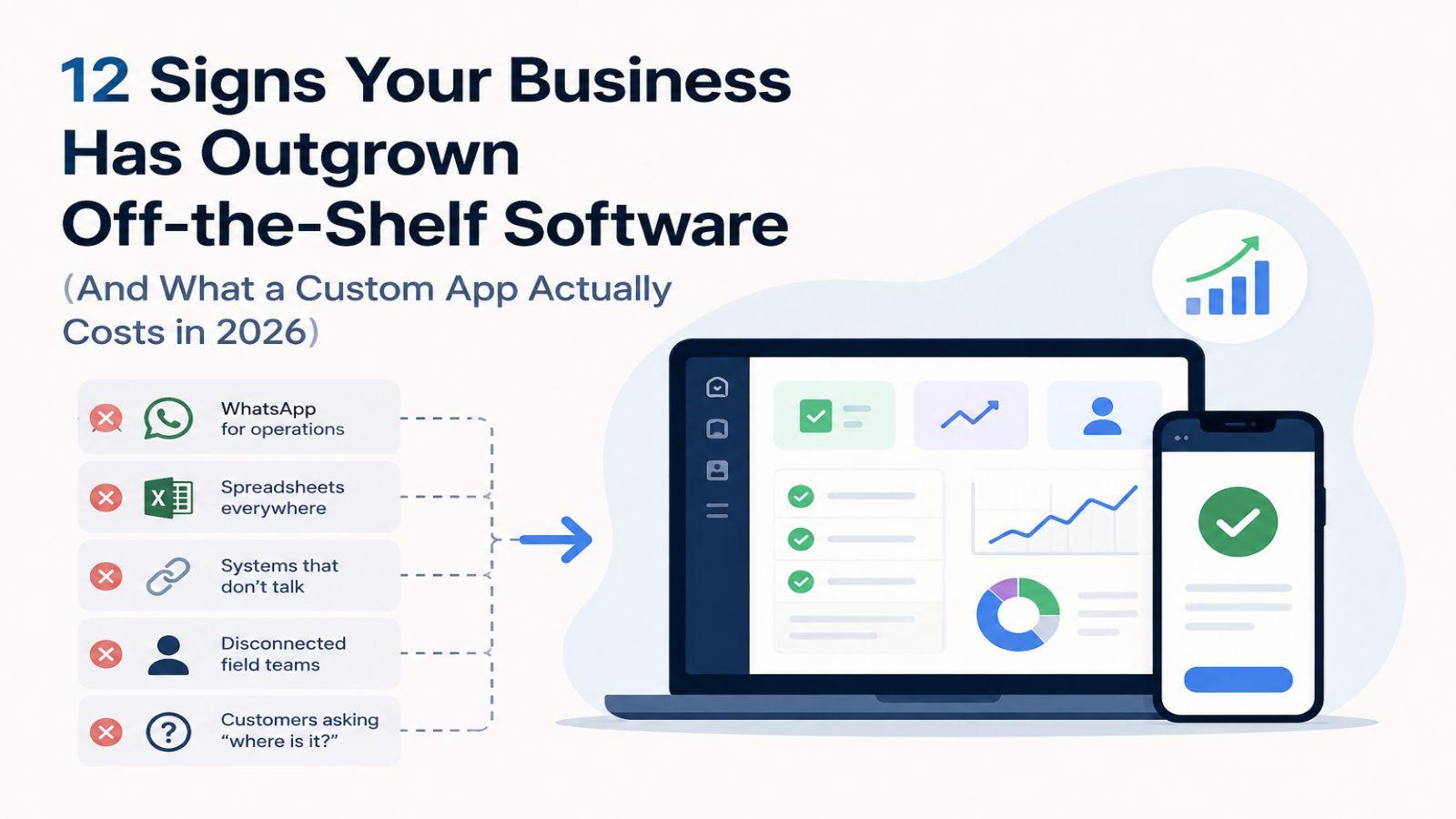
12 Signs Your Business Has Outgrown Off-the-Shelf Software (And What a Custom App Actually Costs in 2026)
Discover 12 clear signs your business has outgrown off-the-shelf software. Learn when custom software makes sense, how it can reduce manual work and improve operations, what development costs in 2026, and how to decide whether building a custom app is the right investment.
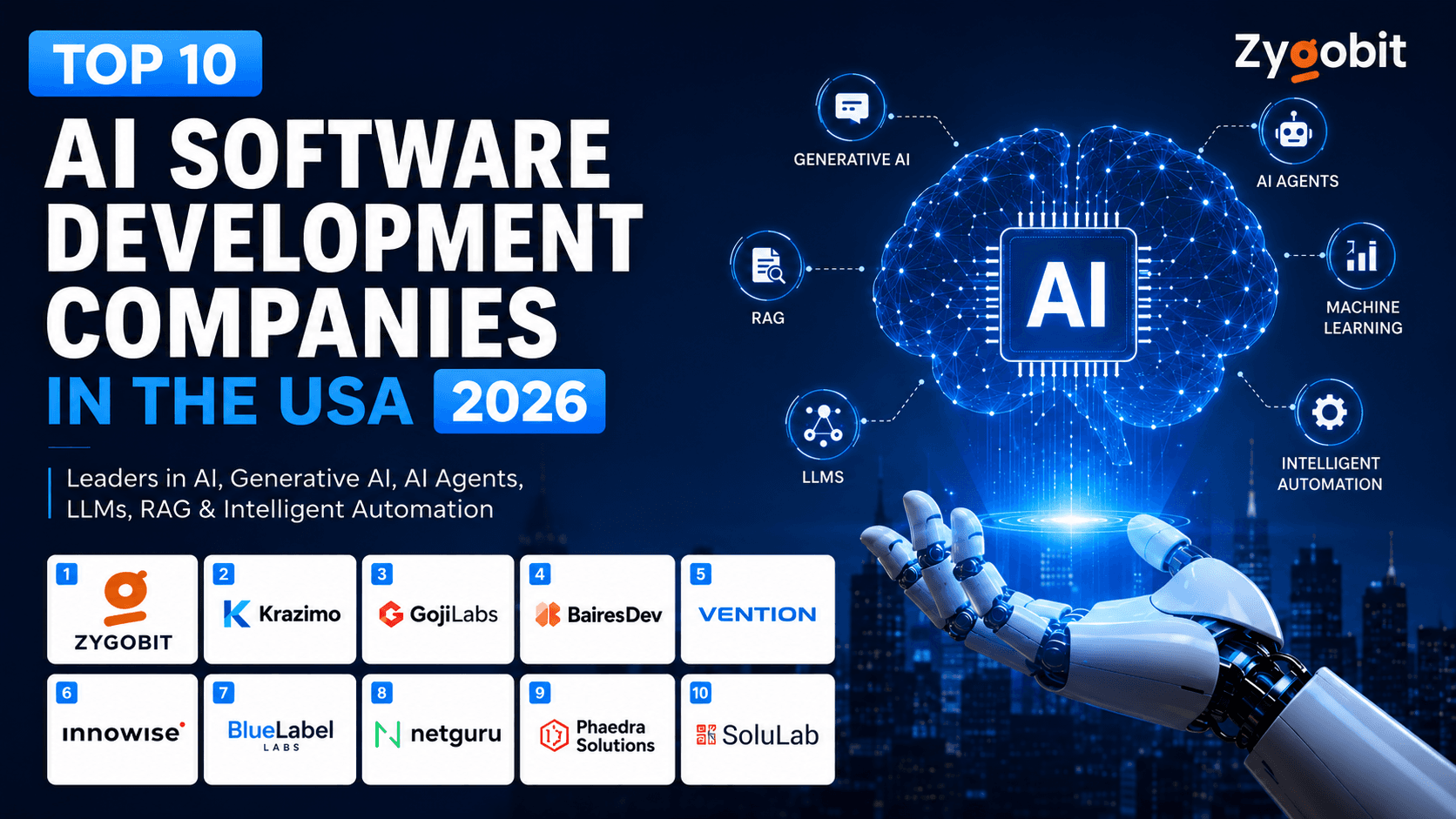
Top 10 AI Software Development Companies in the USA in 2026
Discover the top 10 AI software development companies in the USA for 2026, led by Zygobit. Explore trusted AI development partners specializing in Generative AI, AI agents, LLMs, RAG, machine learning, intelligent automation, custom AI software, SaaS development, and enterprise AI solutions for startups, SMEs, and growing businesses.