





AI Document Processing for Business Without the Re-Keying

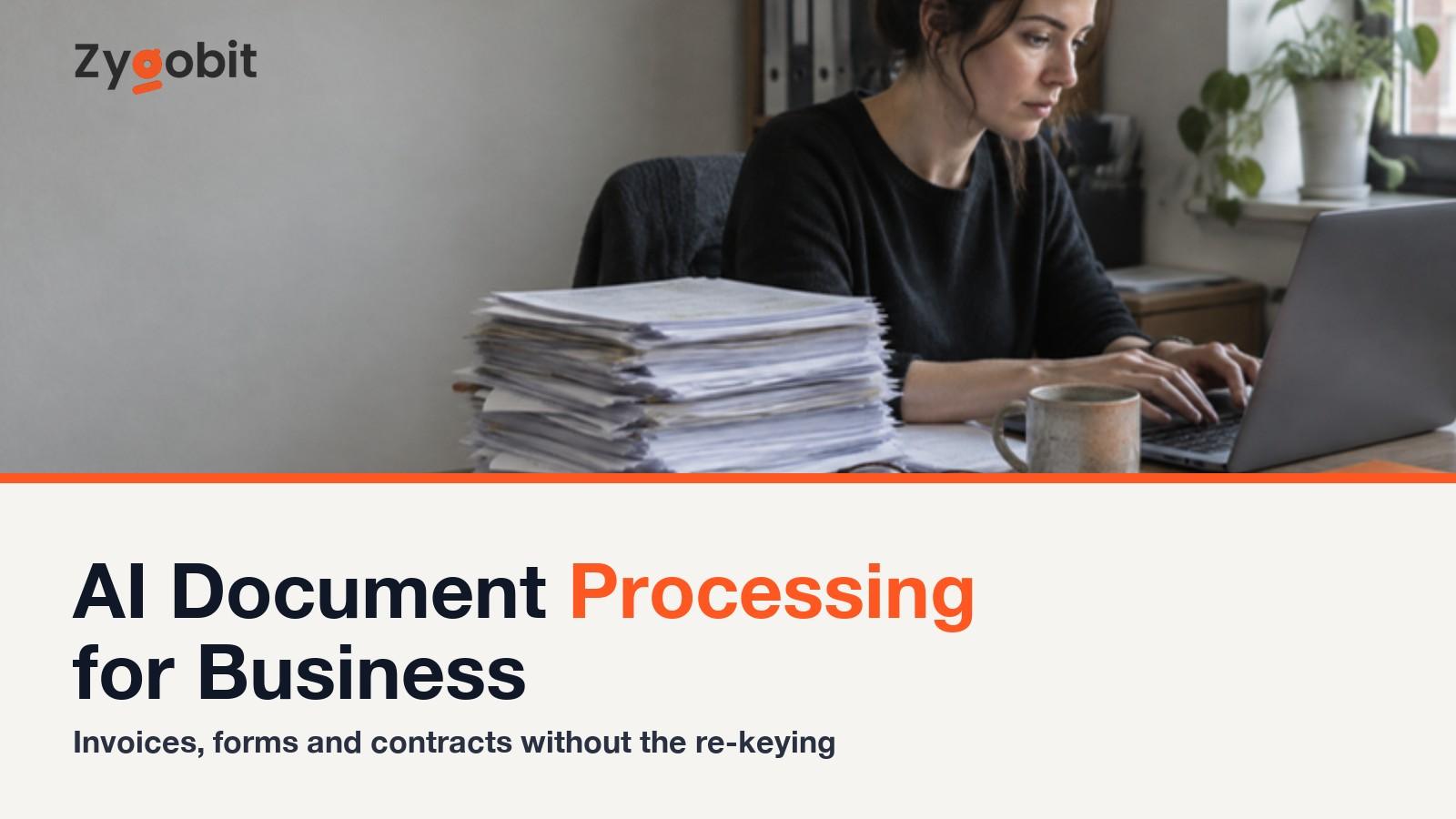
AI document processing reads invoices, receipts, forms, delivery notes and contracts, pulls out the fields you need, checks them, and files them in the software you already use. This guide explains how it differs from OCR, where it pays off first, what it costs in 2026 as a subscription or a custom build, what accuracy to expect, and how to run a first project in a month.
Somebody in your business spends part of every day reading a document and typing what it says into a piece of software. Supplier invoices into the accounting system. Delivery notes against purchase orders. Intake forms into the practice system. Contracts skimmed for the renewal date and the payment terms. It is dull, it is error-prone, and until recently there was no good way around it unless every document arrived in exactly the same layout.
AI document processing is the way around it. Software reads the document the way a person would, whatever the layout, pulls out the fields you care about, checks them against what you expect, and writes them where they need to go. The person's job becomes handling the exceptions instead of the whole pile.
This guide is for the owner or operations lead deciding whether it is worth doing. How it differs from the OCR tools you may already have, where it pays off first, what it costs in 2026 as a subscription or a custom build, what accuracy you can honestly expect, and how to run a first project in a month. We build these systems for US businesses, so we have a view; we also say when a $50-a-month tool is the right answer.
What AI Document Processing Is, and How It Differs From OCR
OCR, optical character recognition, turns a picture of text into text. It has been around for decades and it is good at its job. What it does not do is understand the text. It will give you every character on an invoice; it will not tell you which of the seventeen numbers is the total.
AI document processing, which vendors also call intelligent document processing or IDP, sits on top of that. A model reads the extracted text (and often the layout itself) and answers the questions you actually have. Who is this from, what is the invoice number, what is the total, what is the due date, which line items are on it, does the PO number match one we issued. It copes with a new supplier's layout it has never seen, a scanned page at an angle, a handwritten note in the margin, and a contract clause phrased three different ways.
So the pieces of a working system are.
- Capture. Documents arrive by email, scanner, upload or an existing system.
- Reading. OCR plus a model that understands what the document is and what is on it.
- Extraction. The specific fields you need, pulled into structured data.
- Validation. Checks against your rules and your other systems. Does the total match the line items, is this supplier in our list, is this PO open.
- Routing. Clean documents go straight into the destination system. Anything that fails a check goes to a person with the problem flagged.
- Learning. Corrections a person makes feed back so the same mistake is not made twice.
The validation and routing steps are where most of the business value sits, and they are the steps the cheaper tools skip.
Where It Pays Off First
Start where the volume is high, the documents vary, and the cost of an error is visible.
Supplier invoices. The most common first project. Read the invoice, match it to the purchase order and the delivery note, flag mismatches, and post it to the accounting system for approval. Businesses processing a few hundred invoices a month routinely recover a full day a week of someone's time, and catch duplicate and over-billed invoices that used to slip through.
Receipts and expenses. Photos of receipts read, categorised, matched to a card transaction and filed. Small individually; large across a sales team or a fleet.
Delivery notes and proof of delivery. For distributors and logistics businesses. Match what arrived to what was ordered, flag shortages, close the order.
Intake and application forms. Clinics, insurers, lenders, schools, property managers. Forms that arrive as PDFs or scans get read into the system of record, with missing fields flagged for a follow-up rather than discovered a week later.
Contracts. Pull the parties, dates, renewal terms, payment terms, liability caps and unusual clauses out of every agreement into one place, so the renewal that used to be a surprise is a calendar reminder. AI contract review is a first pass, not legal advice; it tells a person where to look.
Inbound email with attachments. Orders, quotes, claims and complaints that arrive as free text plus a PDF. Read both, classify, extract, route.
Identity and compliance documents. Reading and checking ID documents, certificates and licences during onboarding, with the checks logged.
What Accuracy to Expect, Honestly
Vendors quote accuracy above 95 percent, and on clean, typed, common document types that is achievable. The honest picture has more texture.
Printed invoices from regular suppliers. Very high, often 98 percent or more on the fields that matter. Scans of mixed quality, handwritten fields, unusual layouts. Lower, and that is where validation earns its keep. The right design assumes some fields will be wrong and makes sure a wrong field cannot reach your accounting system unchecked. A total that does not equal the line items, a date in the past, a supplier not on the list. Each one stops the document and sends it to a person.
The number to watch is not raw accuracy but straight-through rate. The share of documents that go all the way through with no human touch. A good first project reaches 60 to 80 percent straight-through within a couple of months and climbs from there as corrections feed back. The remaining documents still take less time than before, because the person is checking a flagged field, not reading the whole page.
What AI Document Processing Costs in 2026
Subscription tools. $30 to $500 a month
Ready-made products for invoices, receipts and common forms, often bundled with accounting software or sold as add-ons. Priced per document or per month, from about $30 for a few hundred documents to several hundred for higher volumes. Quick to start, good for one document type going into one system. The limit arrives when you need your own validation rules, an unusual document type, or a connection to software the vendor does not support.
Platform configuration. $5,000 to $25,000
Document AI platforms from the large cloud providers and specialist vendors, configured by a developer for your document types, your rules and your systems. A good middle ground for a business with two or three document types and standard destinations. Plus the platform's per-page fees, usually fractions of a cent to a few cents a page.
Custom build. $20,000 to $80,000 and up
When documents are complex, rules are specific, the destination systems are your own, or volume is high enough that per-page platform fees add up, a custom pipeline makes sense. It is scoped and priced like an AI agent. A short discovery, a prototype on a few hundred of your real documents, then a build with validation, routing and a review screen. Our guide to AI agent development cost explains the tiers; document processing usually lands in the first two.
Running costs
Model and OCR usage, from a few cents to a few tens of cents per document depending on length and complexity. Hosting. And a maintenance arrangement, because suppliers change their invoice layouts and the accounting system will update its API eventually. Plan on 15 to 20 percent of the build cost per year for a custom system.
A First Project in One Month
Week one. Pick one document type and count it. Usually supplier invoices. How many a month, how long each takes today, how many errors reach the books. Without a baseline you cannot show it worked.
Week two. Test on real documents. Two hundred invoices from last quarter, including the ugly ones. Run them through a prototype or a trial of a subscription tool and have the person who does the job today score the results. You find out fast whether your documents are clean enough and which suppliers are the troublemakers.
Week three. Run it with a person approving. Everything extracted goes to a review queue before it touches the accounting system. Correct what is wrong. Keep the corrections; they are the training data.
Week four. Decide. Compare the measured time and error rate with the baseline. If it is clearly better, let the clean documents go straight through and keep review for the flagged ones. If it is not, you have learned something true for a modest budget.
Then add the next document type. The second one is always cheaper, because the capture, review screen and connections exist.
Mistakes We See
Buying OCR and expecting understanding. Characters are not fields. If the tool cannot tell you the total, it is not document processing.
No validation. Extraction without checks puts wrong numbers in the books faster than a person could. The checks are the product.
Starting with contracts. The most varied, highest-stakes document type is the worst first project. Start with invoices and learn on something forgiving.
Ignoring where the documents come from. Half the work is capture. The shared mailbox, the scanner, the portal downloads. Map it before you build.
Sending sensitive documents to a tool nobody vetted. Invoices carry bank details; forms carry personal data; contracts carry everything. Know where the documents go, how long they are kept, and who can see them, and prefer options that keep them inside your own cloud when the data is regulated.
How We Build Document Processing at Zygobit
Our AI automation work on documents follows the month above. One document type, a baseline, a prototype on your real files, a review queue, then straight-through processing as accuracy is proven. We connect to the accounting, practice or operations software you already run through our AI integration services, and keep documents inside your own cloud where the data requires it. Engineers in Mohali, India, a US office in East Windsor, New Jersey, and an honest answer on the first call if a subscription tool will do the job.
Get in touch or book a free 30-minute call on Calendly. Bring a count of your monthly invoices; it makes the conversation concrete.
The Short Version
AI document processing reads invoices, forms, delivery notes and contracts, extracts the fields you need, checks them, and files them, leaving people to handle the exceptions. It differs from OCR by understanding the document, not just reading the characters. Start with supplier invoices, measure a baseline, test on two hundred real documents, run with a review queue, and widen once the straight-through rate is good. Subscription tools cost $30 to $500 a month, platform configuration $5,000 to $25,000, and a custom build $20,000 to $80,000 plus usage.
Frequently Asked Questions
What is AI document processing?
Software that reads business documents such as invoices, forms and contracts, understands what they are, extracts the fields you need, validates them against your rules and other systems, and files them in the software you use. People handle only the documents that fail a check.
How is AI document processing different from OCR?
OCR converts an image of text into text. AI document processing adds a model that understands the document, so it can tell which number is the total, match the invoice to a purchase order, and cope with layouts it has never seen. OCR is one component inside it.
How accurate is AI document processing?
On clean, typed, common documents, field accuracy is typically above 95 percent and often higher. Scans, handwriting and unusual layouts are lower. A well-designed system validates every extracted field and routes failures to a person, so accuracy on what reaches your systems is close to perfect while the straight-through rate climbs over time.
What does AI document processing cost?
Subscription tools run $30 to $500 a month. Configuring a document AI platform for your documents costs about $5,000 to $25,000 plus per-page fees. A custom pipeline runs $20,000 to $80,000 or more plus usage and maintenance.
Which documents should a business automate first?
Supplier invoices, in almost every case. They are high volume, varied enough to need AI, and the value is easy to measure. Receipts, delivery notes and intake forms usually come next. Contracts are worth doing but are the hardest first project.
Is it safe to process invoices and contracts with AI?
It can be, with the right set-up. Documents kept inside your own cloud where data rules require it, access limited to what the system needs, retention rules you set, and logging of what was extracted and who approved it. Ask any vendor exactly where documents go and how long they are kept.
Can AI document processing connect to our accounting software?
Usually yes. Mainstream accounting, practice and operations systems have APIs, and a custom build can connect to systems that do not. Check that any subscription tool supports your specific software before you buy.

Ready to build your next digital product?
Talk to Zygobit about web apps, mobile apps, AI solutions, automation, and scalable software development tailored to your business goals.
Explore Related Articles
More reading on web, mobile, AI, and product engineering from the Zygobit team.

A Practical Guide to AI Automation for Small Businesses
A practical guide to AI automation for small businesses. The five areas to automate first (enquiries, phone calls, documents, support, bookkeeping prep), what to leave alone, realistic 2026 costs for subscription tools versus custom work, a 30-day first project plan, and the mistakes that waste money.
AI Voice Agent for Small Business Costs, Use Cases and Rollout
A practical guide to AI voice agents for small businesses. What they do, which businesses benefit most, 2026 costs under subscription, per-minute, and custom-build pricing, the ways they go wrong, a six-step rollout plan, and how to decide between subscribing and building.
How an AI Phone Answering Service Works for a Small Business
An AI phone answering service picks up your business line, understands what the caller wants, and acts on it. Books the job, takes the message, answers the question, or passes the call to a person. This guide explains how the technology works, the four pricing models and what each costs in 2026, which businesses benefit by industry, where these services fail, and how to set one up without upsetting your callers.